Workflows
A workflow in the OI Agents is a logical graph of autonomous, agent-powered tasks. Each task can retrieve data, invoke tools, and reason dynamically to complete its assigned function. Workflows enable structured automation that integrates deeply with internal systems, APIs, and AI models.
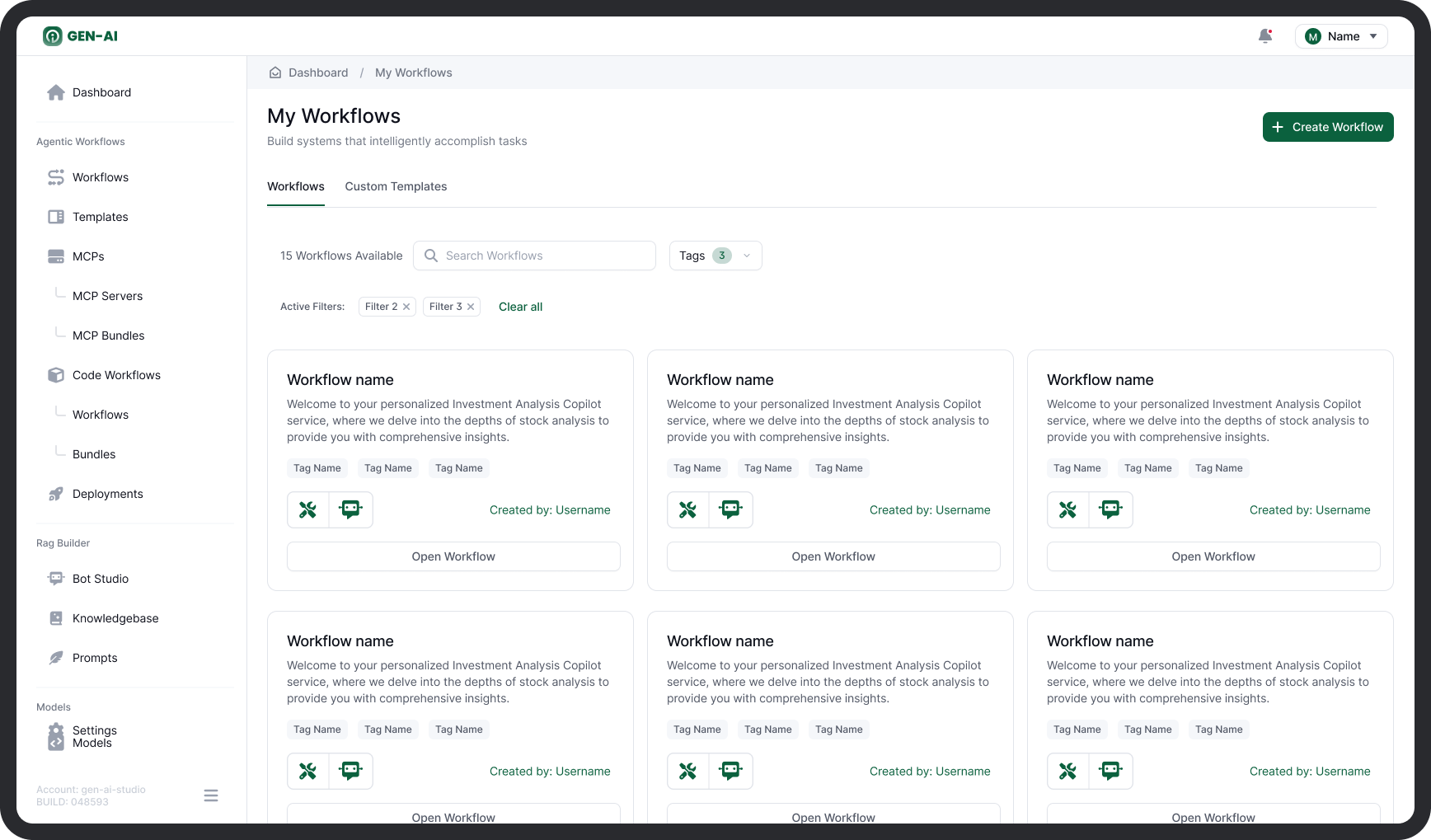
How to Create a Workflow
You can create workflows in one of three ways:
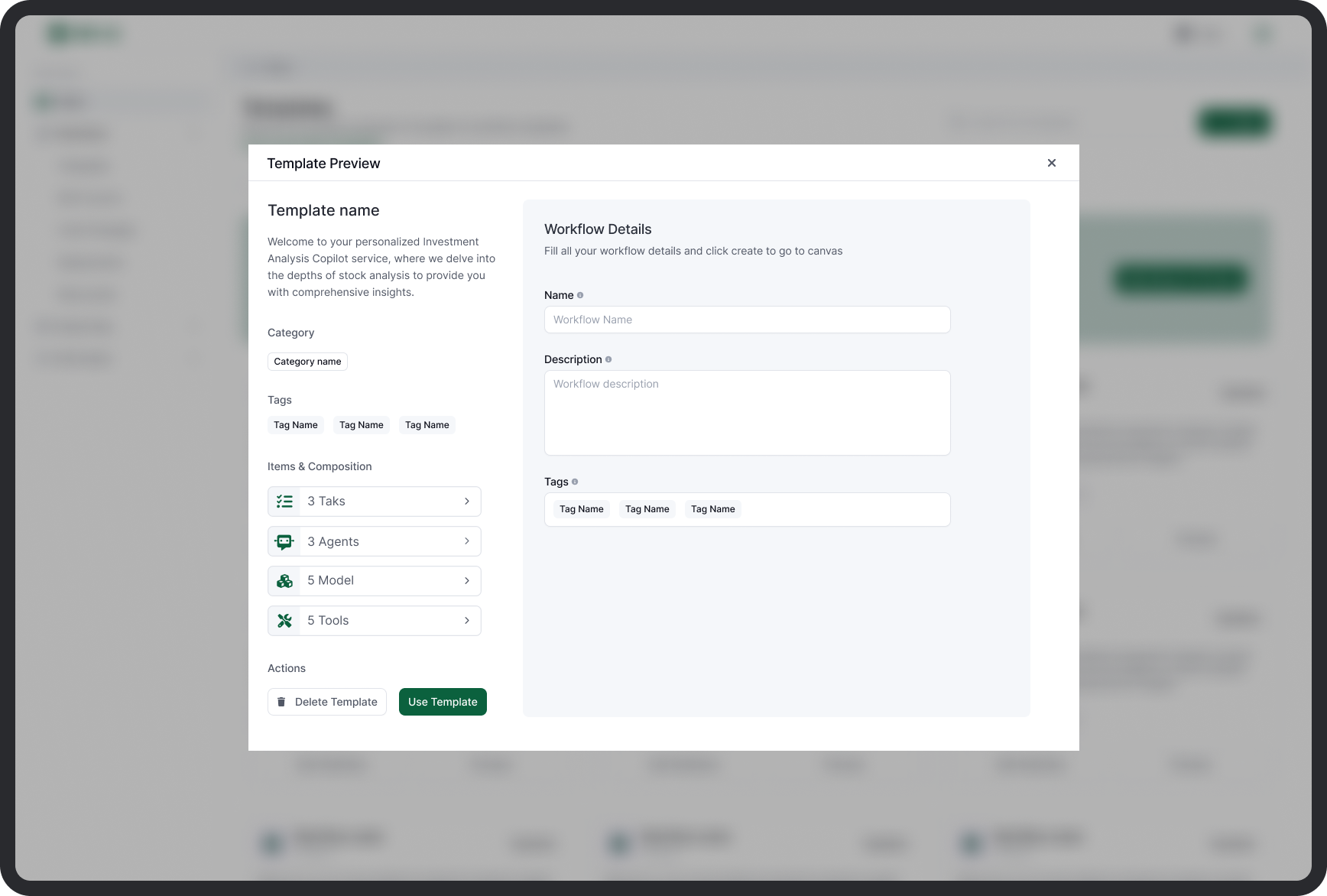
1. From a Template
Start with a predefined template from the built-in library:
- Choose from categorized templates (e.g., document processing, ticket triage, data QA).
- Templates contain preconfigured tasks, agents, tools, and logic.
- You can preview, fork, and customize templates freely.
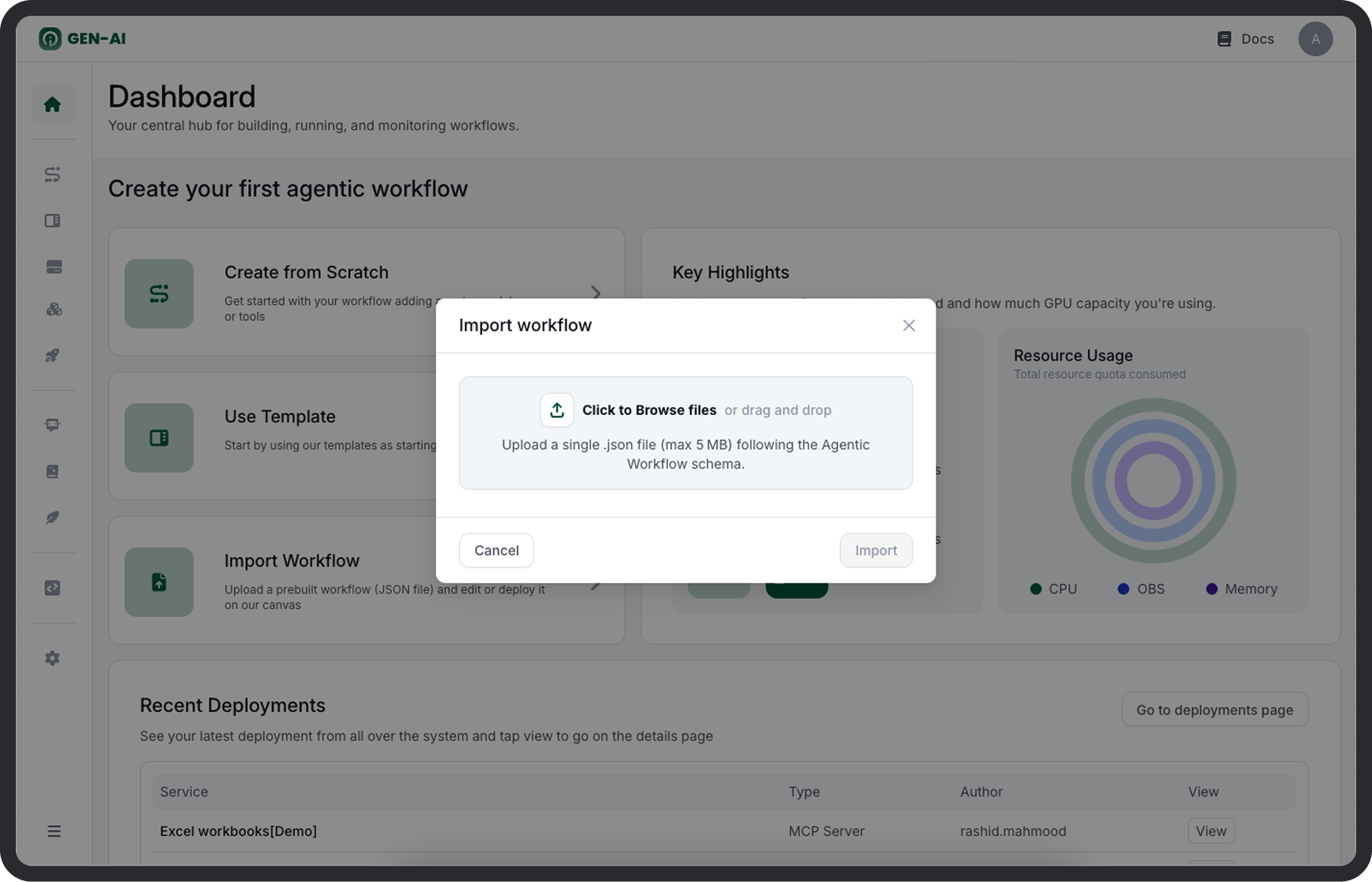
2. Import a JSON Workflow
Upload a .json workflow file exported from another project or environment:
- All agents, tools, and task definitions will be reconstructed.
- Supports validation on import and assignment of MCP or model dependencies.
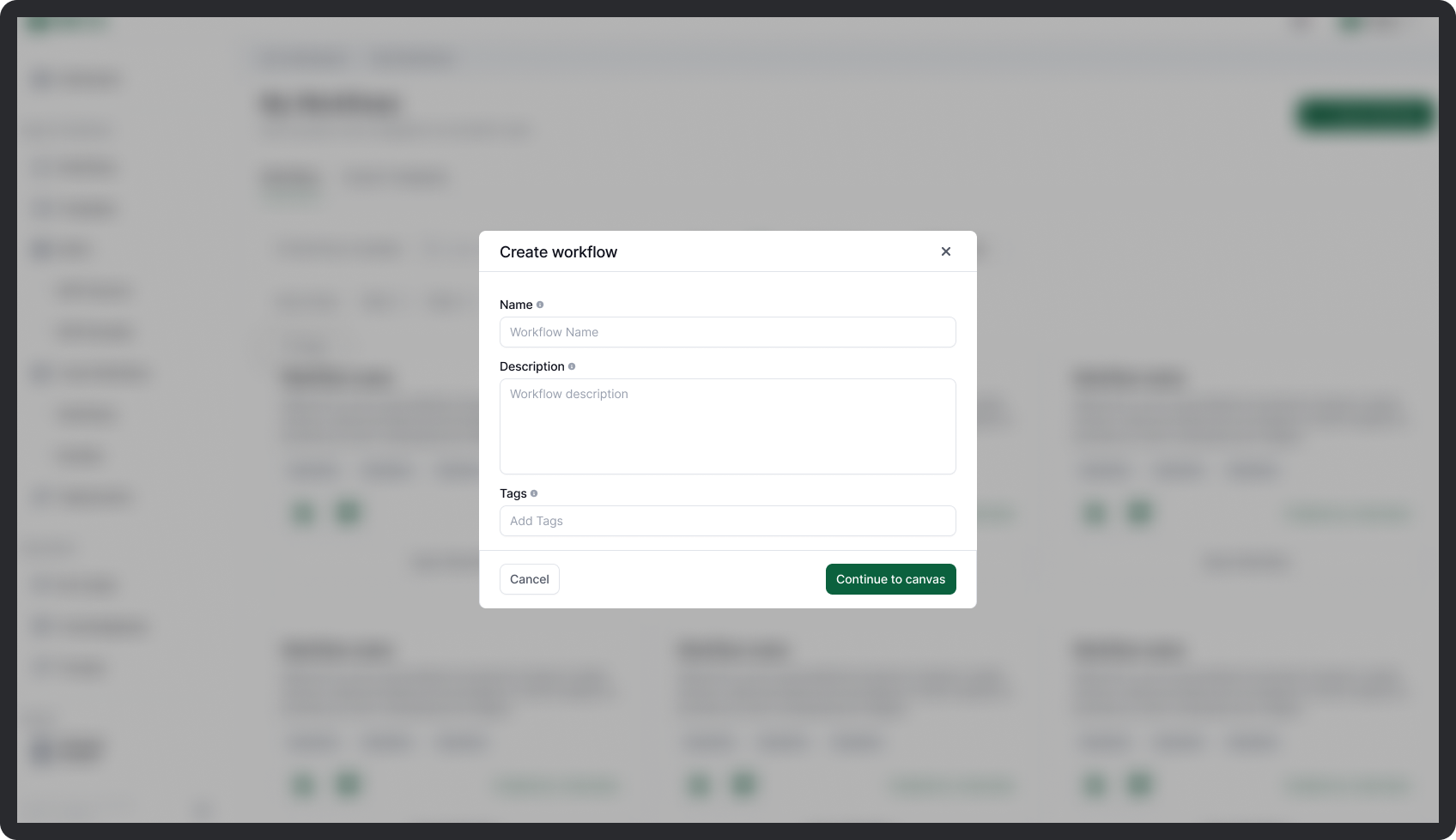
3. Build from Scratch
Use the no-code Canvas to create workflows interactively:
- Add tasks and connect them via handoffs.
- Assign agents, tools, and external system integrations (e.g., via MCP).
- Define inputs, outputs, memory, and fallback paths as needed.
Deployment and Execution
Once validated, workflows can be deployed as services. A deployed workflow becomes accessible through secure endpoints.
Key Endpoints
| Method | Endpoint | Description |
|---|---|---|
POST |
/workflow/run |
Executes the workflow with a provided input payload. Only available after deployment. |
GET |
/workflow/health |
Returns health status of the deployed workflow instance. Useful for readiness probes or uptime checks. |
GET |
/workflow |
Returns the full JSON definition of the currently deployed workflow, including tasks, agents, and metadata. |
All endpoints support authenticated access and are environment-specific. Use versioning tags or headers as configured by your deployment gateway.
Exporting Workflows
Any workflow created in the Canvas can be exported in a human-readable .json format:
- Use the Export JSON option from the workflow editor.
-
Output includes:
-
Task definitions
- Agent bindings
- Tool configurations
- Descriptive metadata (name, version, creator, timestamps)
Exported files can be versioned, audited, and re-imported without modification. This supports sharing across teams and environments (e.g., dev to prod promotion).