Tenant Management
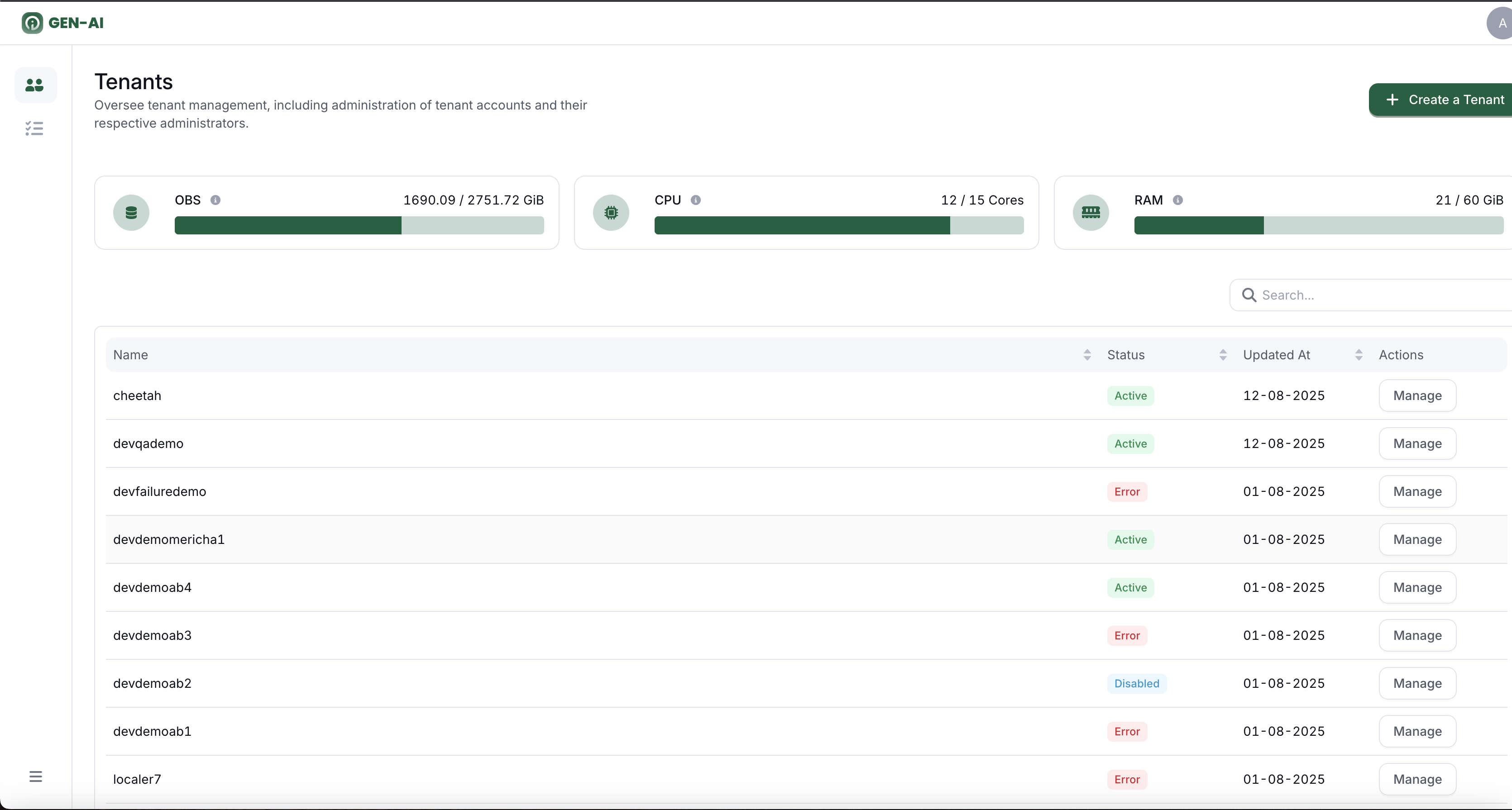
OI Admin Page
In this documentation, we will go through the OI Admin page, where we manage all tenant compute and storage resources.
To access this page, you must:
- Be a Super Admin user
- Use the admin account
What This Page Is About
This page is for tenant management, including:
- Creating a tenant with Resource allocation
- Disabling or deleting a tenant
- Re-enabling or restoring a tenant’s resources
- Adding and managing Tenant Admins (users with administrative rights for a specific tenant)
Before we start with the step-by-step instructions, it’s important to understand the concept of multi-tenancy, since the whole tenant management process is built around it.
What is Multi-Tenancy?
Multi-tenancy is a software architecture where a single instance of an application (and sometimes its database) serves multiple independent customers, called tenants.
Each tenant’s data is logically isolated, so they cannot access each other’s information even though they share the same infrastructure and application code.
In our case, a tenant could be a department such as HR, Finance, etc.
For example, users in the HR department cannot access data or information from the Fina