Tenant Creation with Resource Allocation
Creating a tenant is a step-by-step process that ensures proper resource allocation and administration setup.
Steps Overview
-
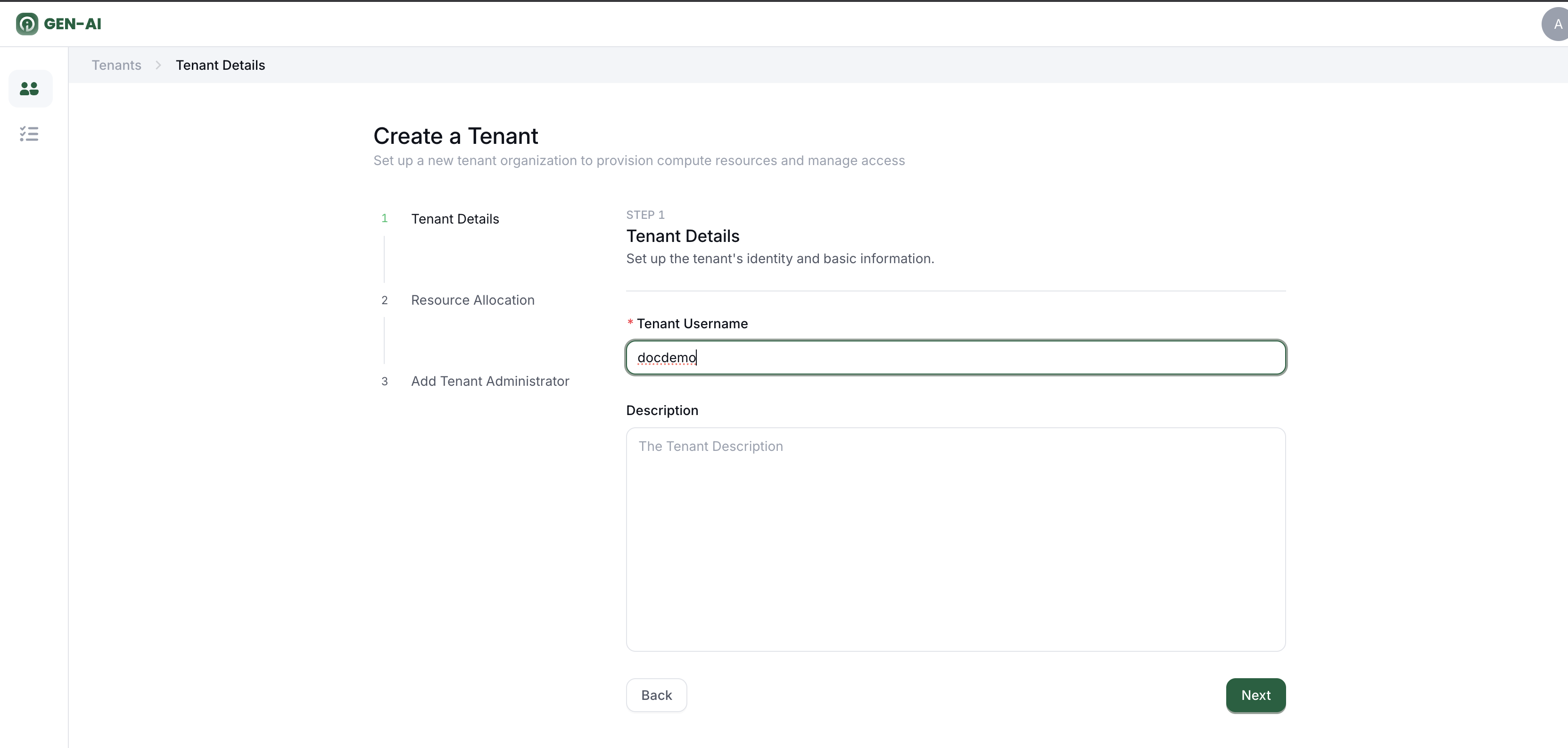
Specify Tenant Details
-
Enter the Tenant Name (required)
-
Add an optional Description
 2. Allocate Resources
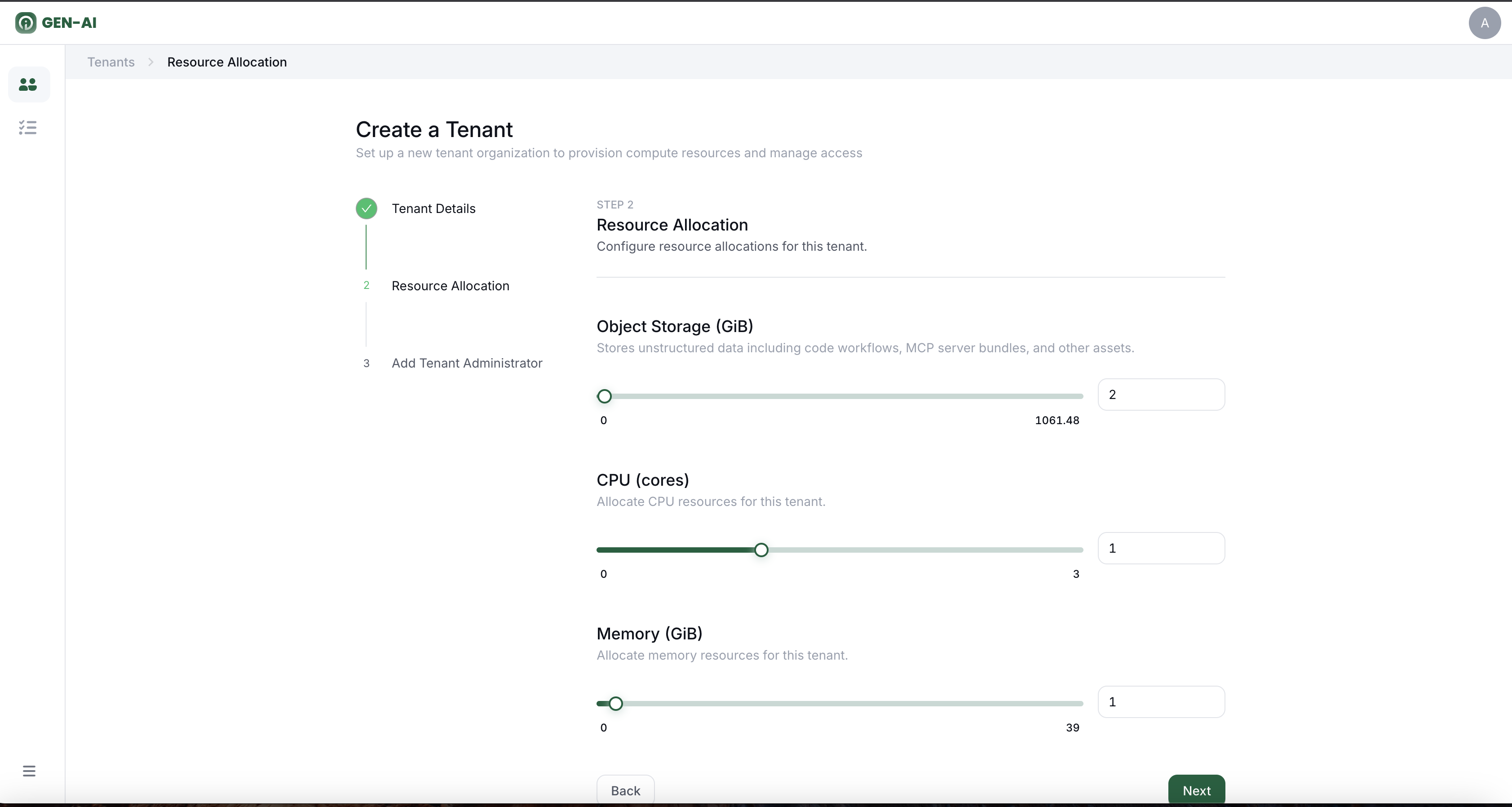
 -
Specify the amount of CPU
- Set the amount of Memory
-
Allocate OBS Storage
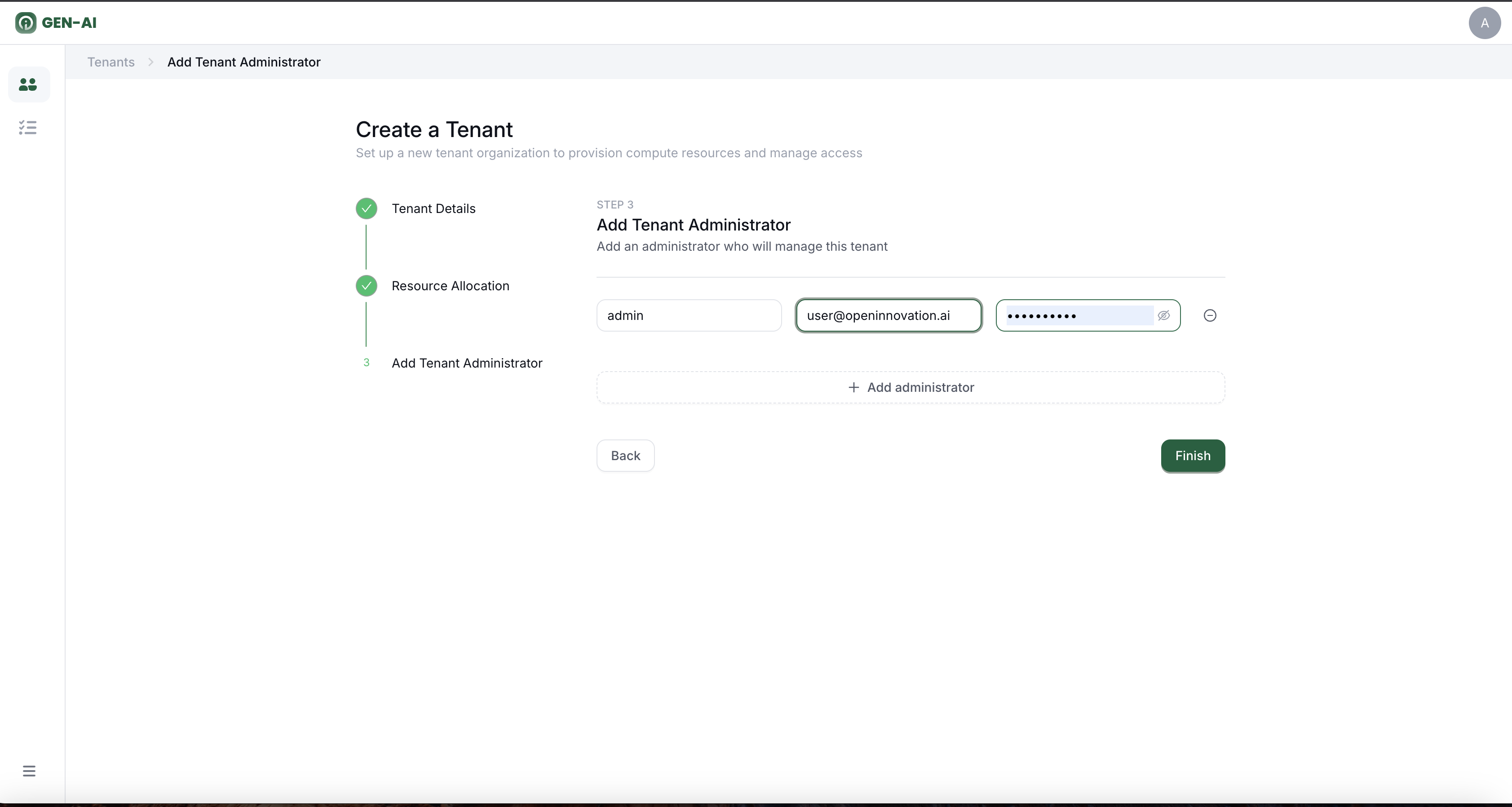
 3. Create Tenant Admins
 -
Assign one or more Tenant Admins who will manage this tenant
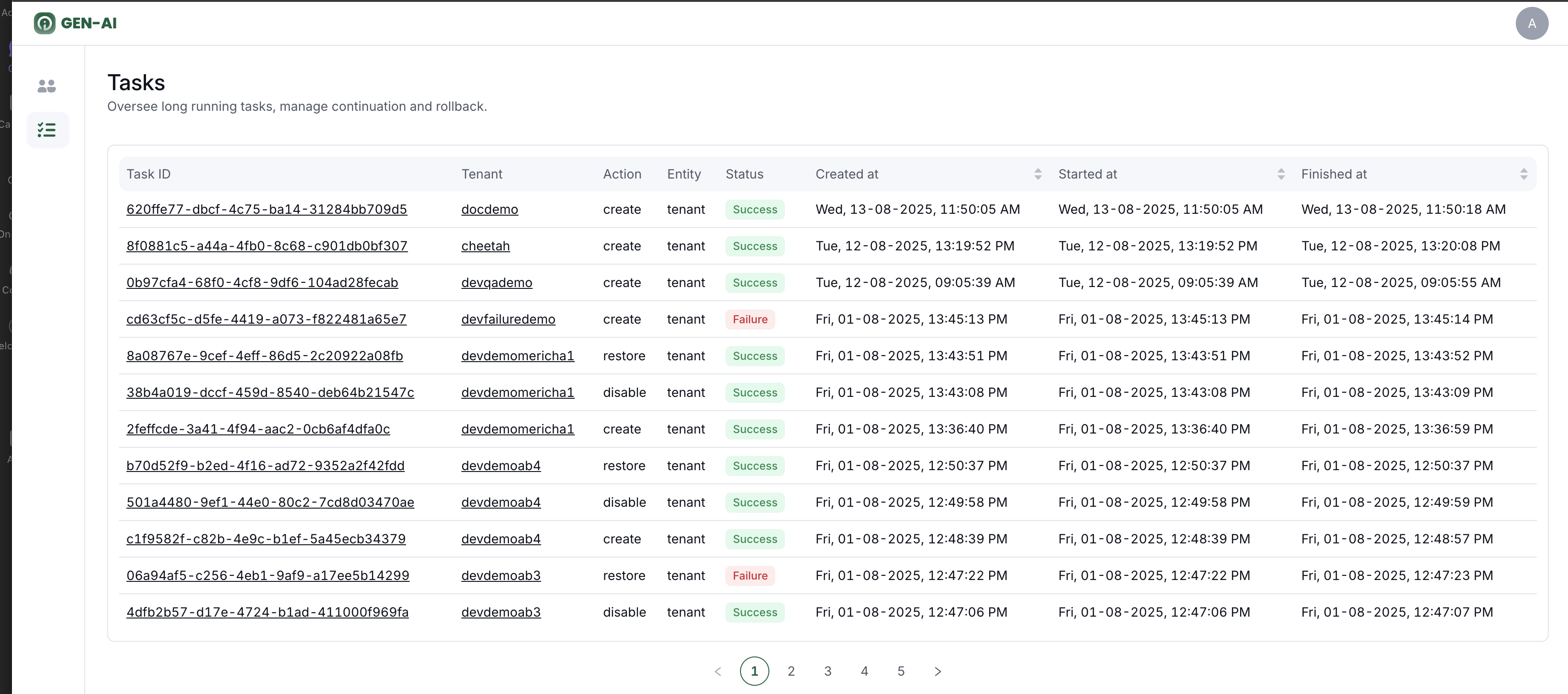
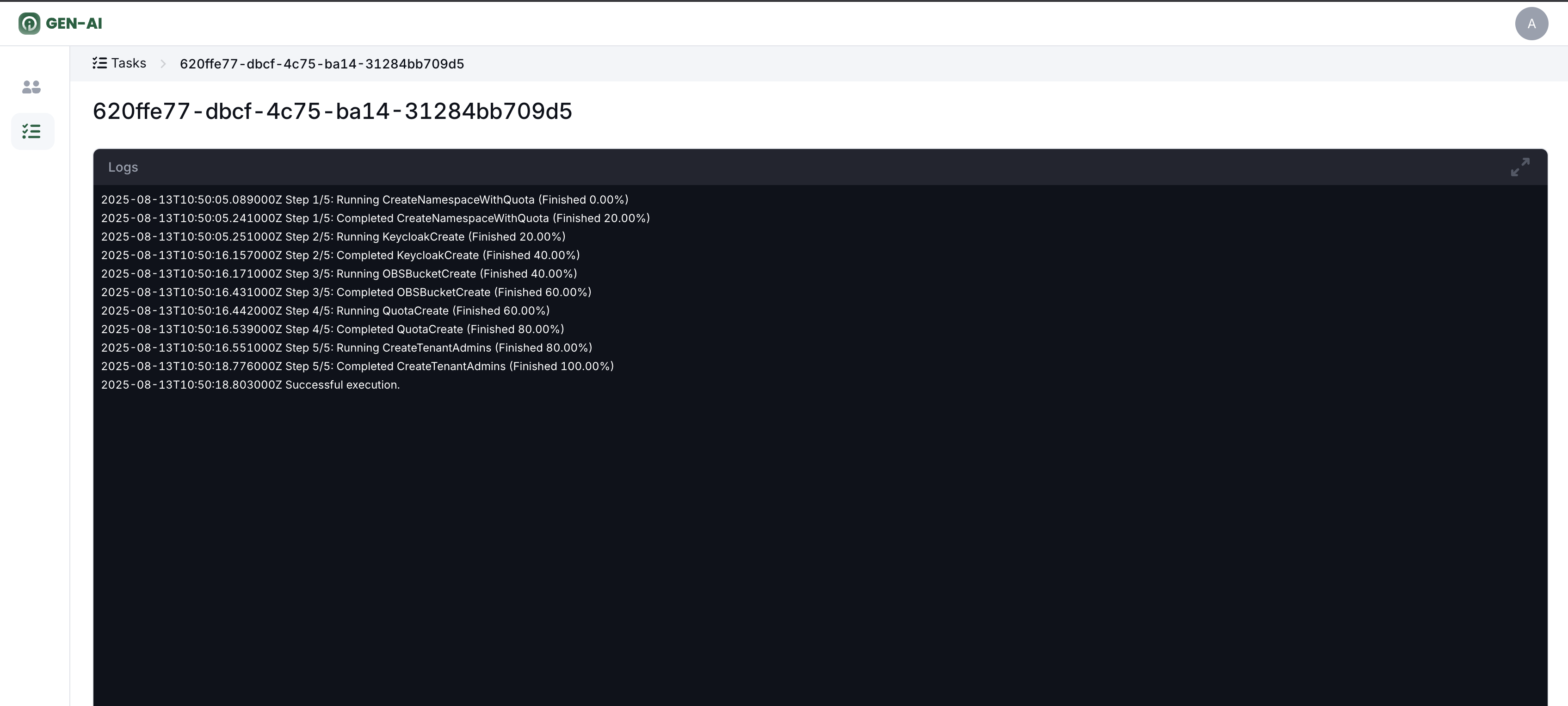
All of these steps happen in the background. Each sub-step is executed automatically, and if any failure occurs, all previously completed steps are rolled back to ensure consistency.
Once the process is finished, the new tenant is fully created with its resources and admin users ready to manage it. You can check the Tasks section in the OI Admin page to see the list of all tasks and view the details of the Create Tenant action.