Tenant Actions
This section explains the available administrative actions that can be performed on tenants within the system.
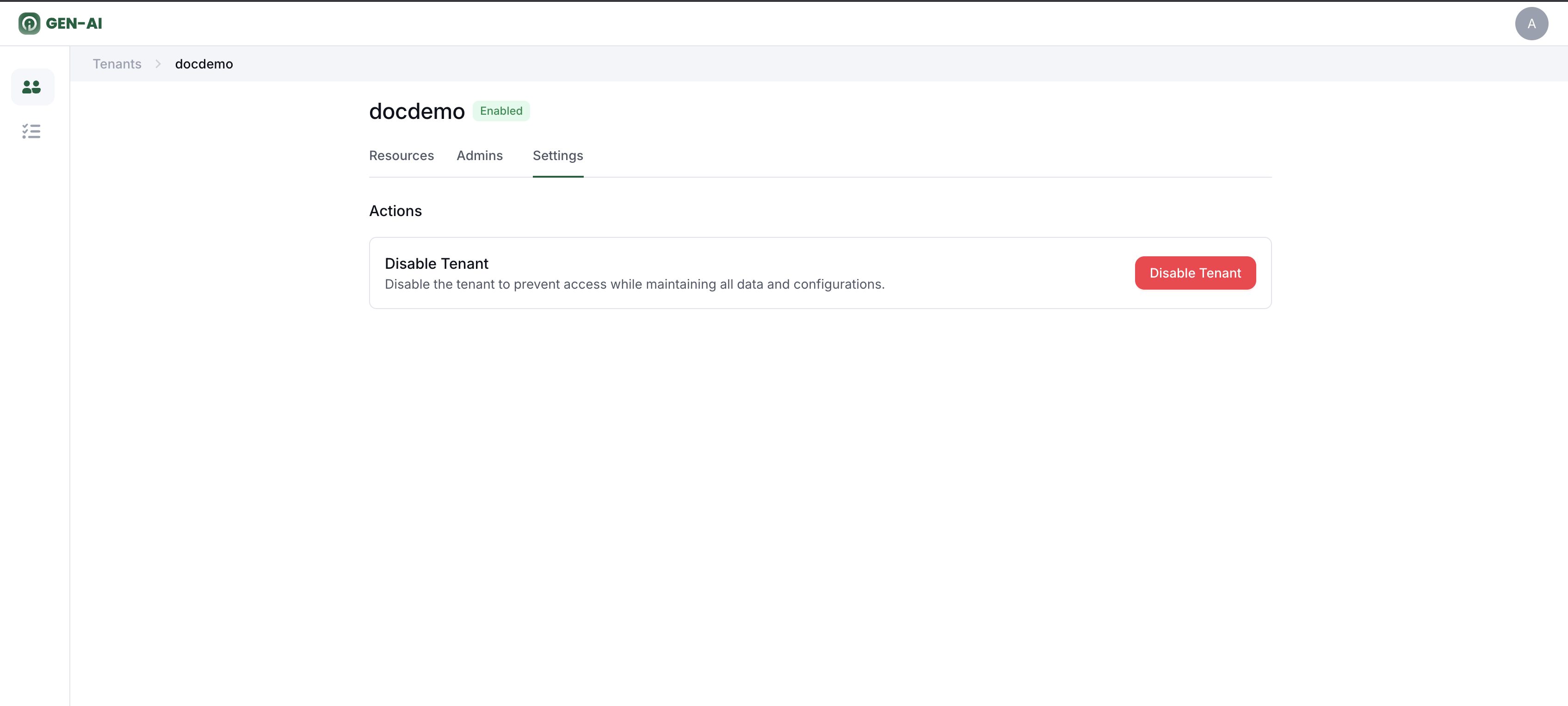
1. Disable a Tenant
Purpose: Temporarily deactivate a tenant.
Effects:
- All compute resources are released.
- User login for the tenant is disabled.
- The action runs as a background task consisting of multiple steps.
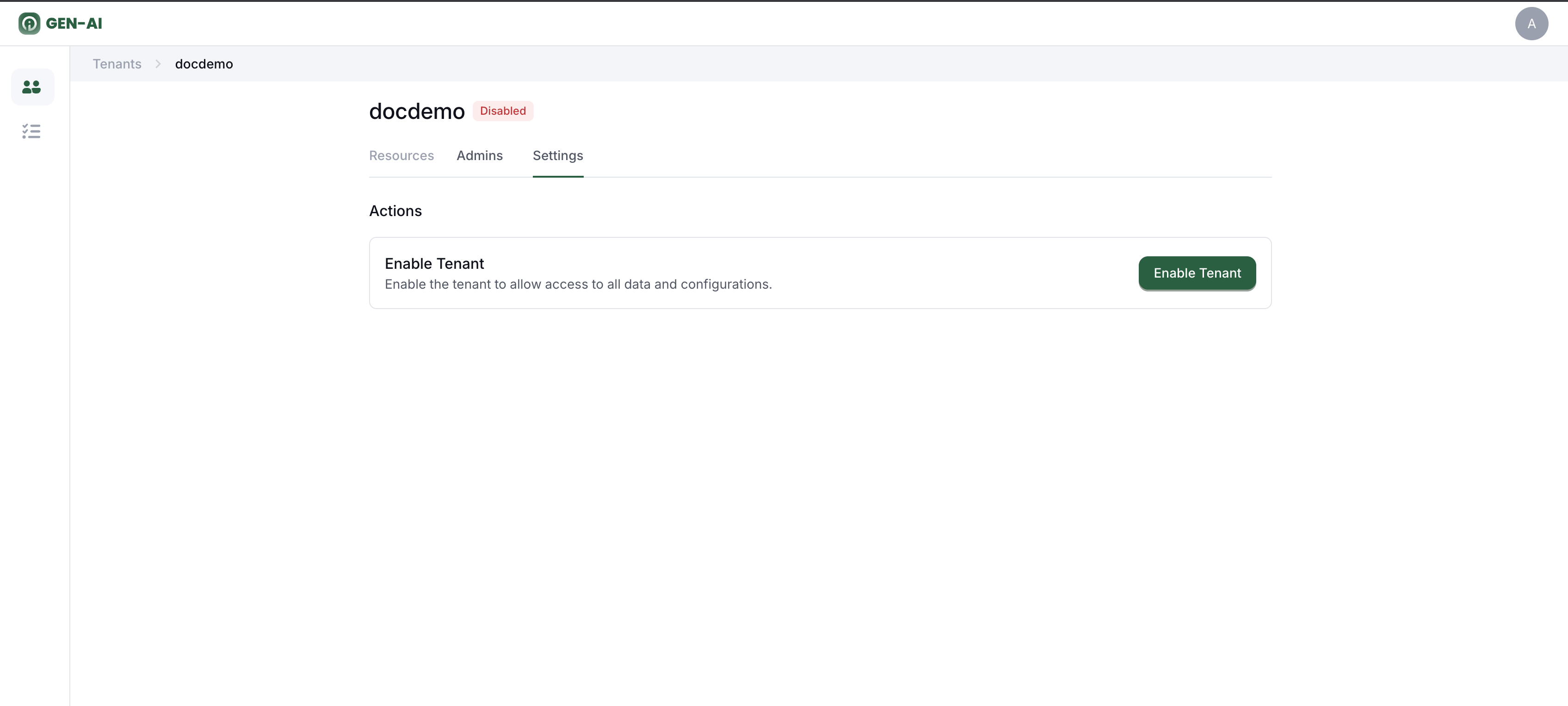
2. Enable a Tenant
Purpose: Reactivate a tenant that was previously disabled.
Effects:
- Tenant status changes to Active.
- Tenant starts with no allocated compute resources until they are provisioned.
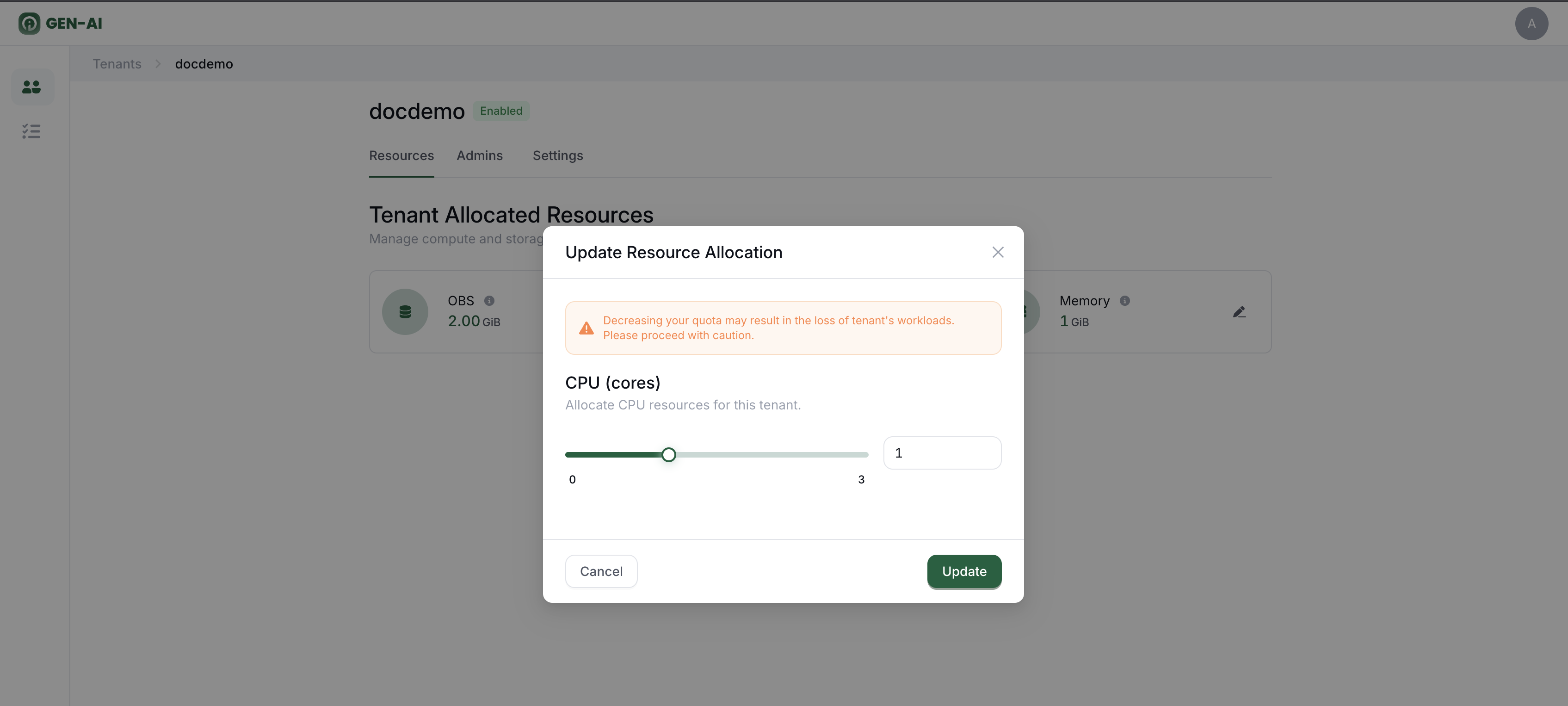
3. Update Resource Quota
Purpose: Modify the allocated resources for a tenant.
Available Resource Updates:
- CPU
- Memory
- OBS Storage
Usage: Administrators can adjust the quota values as needed.
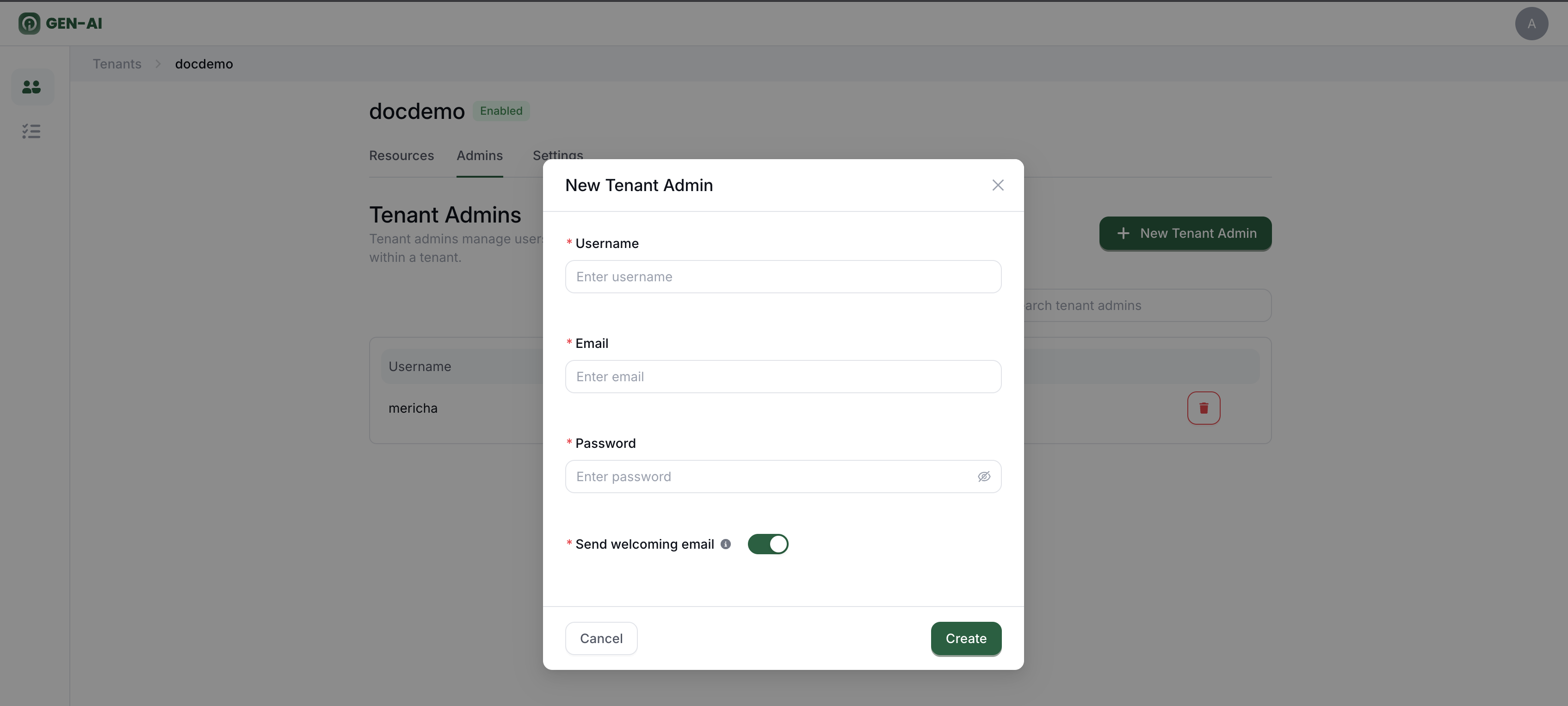
4. Add New Admin User
Purpose: Grant a user administrative privileges for a tenant.
Effects:
- The added admin user can manage tenant-level settings and resources.
- Admins can also view tenant reports and perform critical actions.
5. Delete Admin User
Purpose: Remove administrative privileges from a user.
Effects:
- The user will no longer have access to tenant-level management actions.