Tasks
In OI Agents, a Task is a lightweight orchestration unit that defines where and when an agent is run within a workflow. Tasks themselves are not intelligent, they are simply containers that trigger agents to perform reasoning, retrieval, or action.
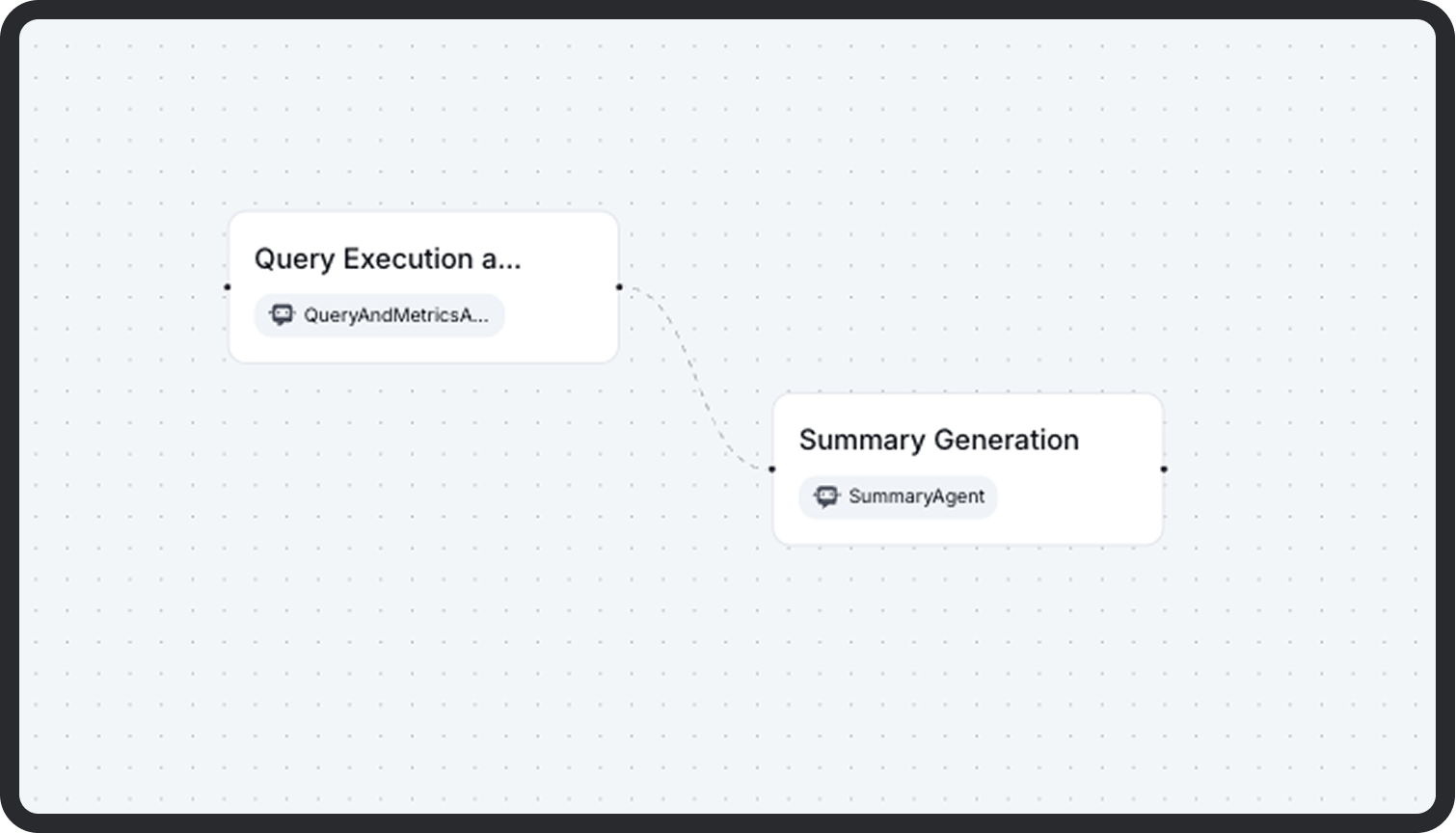
What a Task Contains
Each task only defines:
| Field | Description |
|---|---|
| Name | A unique identifier for the task within the workflow. |
| Agent | The core logic engine assigned to the task. This is where all execution configuration lives (model, prompt, tools, memory, etc.). |
| Max Turns | Optional field that limits how many times the agent can be called in this task (useful for iterative refinement or retries). |
Tasks do not contain prompts, tools, memory, or execution logic themselves. These are fully encapsulated inside the assigned agent.
Role of Tasks in a Workflow
- Orchestration: Tasks define the order of agent execution via visual handoffs on the Canvas.
- Coordination: Each task can pass structured output to one or more downstream tasks.
- Naming & Routing: Task names are used in workflow execution traces, logs, and conditional routing.
Why This Separation?
This design makes workflows:
- Modular: Agents are reusable across multiple tasks and workflows.
- Clear: Execution logic stays in the agent, while the task only determines when and where it's used.
- Portable: You can export/import workflows without duplicating agent definitions.
Canvas Behavior
On the canvas:
- Dragging in a new task creates an empty container.
- Assigning an agent links that agent’s full configuration to the task.
- Handoffs determine how tasks execute in sequence or in parallel.
- You can configure Max Turns if your agent requires looped reasoning (e.g. planning and acting).
Example
Best Practices
- Keep tasks atomic and named clearly (e.g.,
ExtractPolicyData,ValidateRisk,SendNotification) - Use max_turns for tasks requiring back-and-forth with tools or memory refinement
- Separate business logic into agents so you can reuse them across tasks and workflows